

13 jan 2026
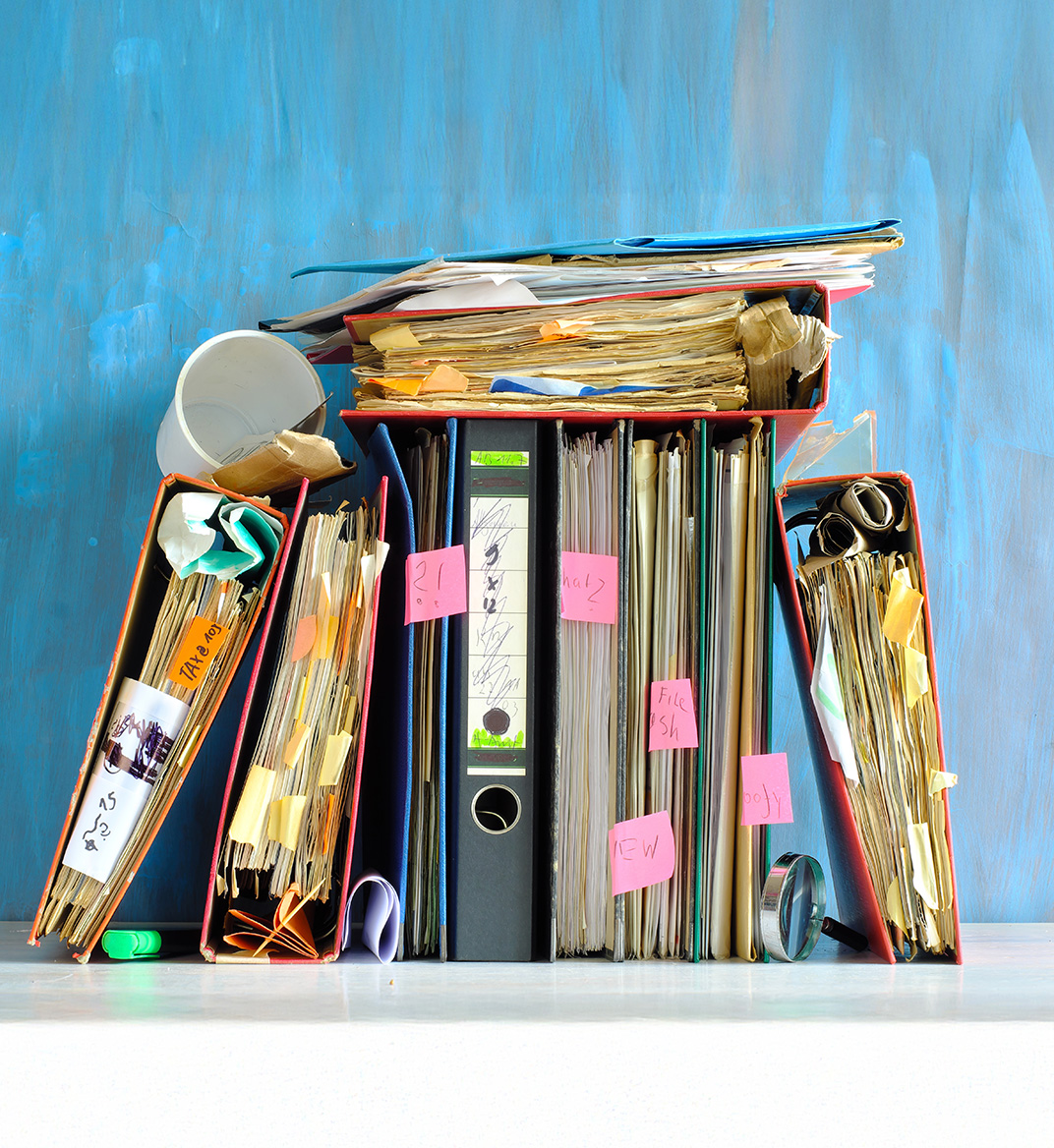
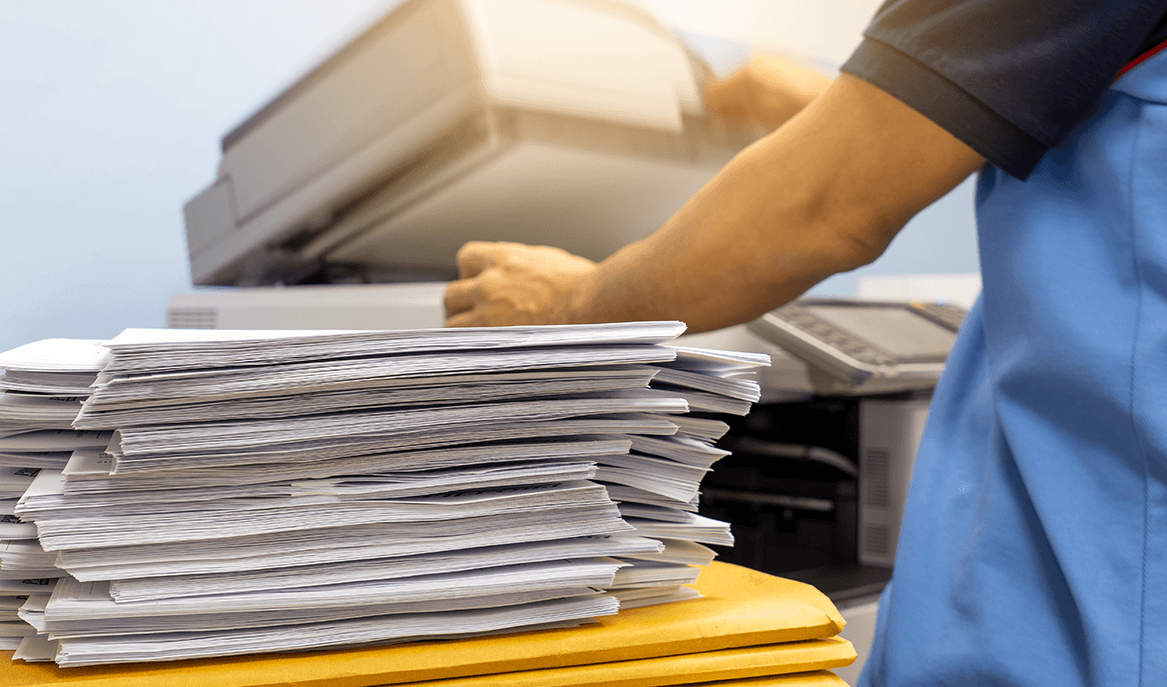
There’s one thing that seems to bother people all over the world—endless paperwork. Preparing contracts, receiving invoices, filing taxes, managing compliance documents, and storing records that may be needed months or even years later has become part of the routine. While these documents are essential, managing them manually can be time-consuming and sometimes confusing. Let’s explore 5 tips on how to handle it effectively.
One of the biggest hardships with papers is that they often get misplaced, piled up, and simply lost. And sometimes finding the right document can take years and test your patience. To be sure your papers are always in order and accessible, they need a system.
A document management workflow is a system that defines how documents are created, organized, accessed, stored, and updated.
The first step is monotonous and yet essential. Check all your papers to figure out whether to keep them or throw them away. For instance, if they’re tax records, it’s best to store them for up to seven years, as the IRS advises. But if it’s an expired warranty, you don’t need it anymore.
The risk of not being able to find what you need when you need it isn’t the only challenge with paper documents. If you are a small business owner, you probably know the cost of office rent, how much filing cabinets cost, and how much space they occupy. Not to mention, paper consumption has been a concern for years. According to statistics, U.S. offices use 12.1 trillion sheets of paper per year.
To reduce paper consumption and save space, digitize your documents. Modern scanning doesn’t require standing in front of bulky scanners for hours flipping pages. The whole process can be done with a mobile scanning app like iScanner. It supports batch scanning, so even large documents can be digitized in just a few minutes.
Here’s how to scan documents with iScanner:
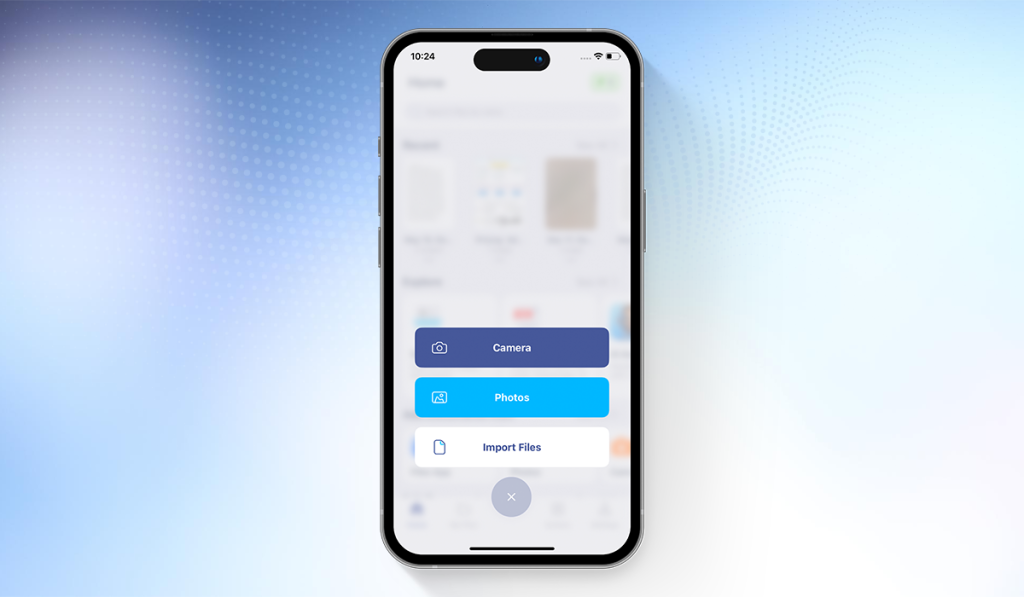
Congrats! iScanner’s Optical Character Recognition (OCR) has converted your images into editable and searchable scans (and here’s how OCR actually works if you’re interested).
Great app!
⭐️⭐️⭐️⭐️⭐️, On-the-go Doc via App Store (US); January 16, 2025
I am a self-proclaimed workaholic with 3 jobs! Wouldn’t be able to survive without this app! Allows me to complete tasks & stay involved with all my jobs while I’m on the go. Easy to use, reliable, & a great way to keep records that can be transferred or printed later. This app keeps me efficient!
See more iScanner reviews on the App Store.
As we’ve discussed, a workflow only works if it’s organized. iScanner lets you create a hierarchy of folders and sort files by date, type, purpose, and so on. To create a new folder, open My Files at the bottom of the Home screen, tap the Add Folder button, and give it a name.
All files are stored either locally in the app or in secure cloud storage. If you use cloud storage, documents are hosted on Amazon Web Services (AWS).
Apart from keeping documents structured, the app makes them easy to retrieve. Its naming suggestions feature automatically generates descriptive names based on the contents of each document. And if you ever forget where something is, the keyword search lets you quickly locate the document you need.
Don’t underestimate the impact of a well-structured document system. Many productivity issues come not from people, but from scattered files and unclear workflows. We talk more about this in our interview with digital workspace consultant Aleksandra Shulzhenko, who explains how simple document systems can improve team efficiency and day-to-day work.
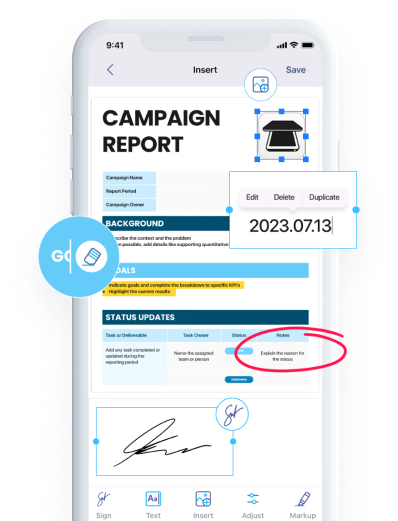
Now, you have an order in your documents, a system to digitize them, and a secure place to store them. However, without regular maintenance, all that can quickly become ineffective. A document management workflow also needs to support updates over time.
With tools like iScanner, the whole thing happens directly in the app. You can:
Here’s a more detailed look at iScanner’s tools for document management.
An effective workflow doesn’t end with editing and updating; it also covers how documents are shared. iScanner allows you to send files directly from the app via email, messengers, or cloud services, choosing the format that best fits your needs.
To keep your sensitive files secure, you can password-protect files, store sensitive documents in a PIN-protected Safe Folder, and customize the expiration date for shared links.