



Upload files online to Extract PDF.


Download iScanner to manage PDFs with ease!

Extract PDF files for free with a few clicks
No ads & no watermarks added to your documents

A extract PDF pages tool compliant with the EU’s General Data Protection Regulation and the California Consumer Privacy Act

No computer on hand? Extract on mobile devices!
No internet? Use iScanner offline—install the mobile app

Extract PDF files online without creating an account or subscribing to a paid plan
Sign up to iScanner to keep your extracted PDFs organized. Plus, you can convert, merge, and share your PDFs. It’s also easy to zip files inside the app after using PDF page extractor.
You can edit the downloaded PDFs in any PDF editor or in iScanner. Alternatively, you can first edit your PDFs and then extract PDF pages using our web tool.
Here’s a step-by-step guide on how to use the PDF page extractor online without a subscription.
1. Сlick the Select PDFs button and upload the file.
2. Choose how you want to extract pages from PDF. You can extract all pages at once, select the specific ones, or split them by range.
3. Click Extract, and the files will be ready for download.
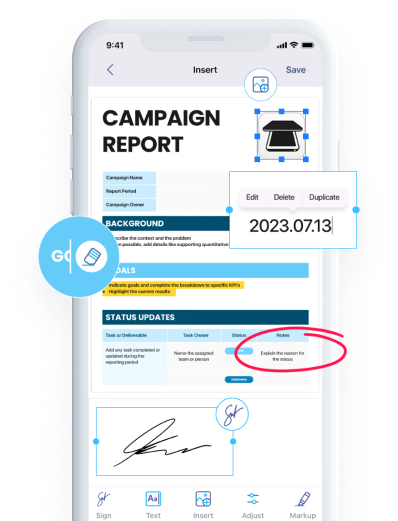
And if you don’t want to use your web browser, download our app for iOS or iOS. It has a number of helpful features, and PDF extractor is one of them. Just upload the file you need to the app, and iScanner will quickly extract PDF pages into multiple files.
No. The Extract PDF Pages tool is designed for individual use and doesn’t support team collaboration or shared workspaces. If multiple people need to extract pages, each person will need to use the tool separately with their own files.
You can extract as many pages as you need – as long as they’re included in the original PDF. There’s no limit on the number of pages you can select from the document.
You can’t extract individual images from a PDF with this tool. It only lets you extract entire PDF pages, not the images contained within those pages.