



Upload files online to Crop PDF.
No signing-in or installation required

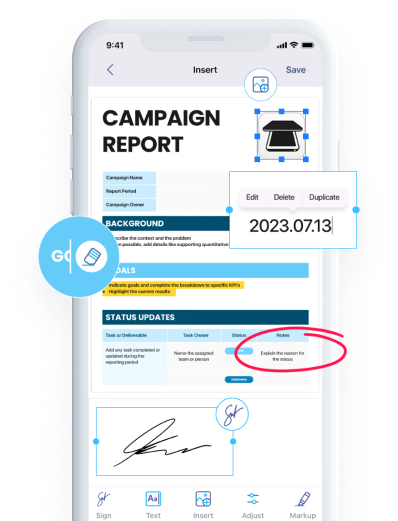
Download iScanner to manage PDFs with ease!

Crop PDF file with a few clicks
No ads & no watermarks added to your documents
PDF cropper tool compliant with the EU’s General Data Protection Regulation and the California Consumer Privacy Act

No computer on hand? Crop a PDF on mobile devices!
No internet? Use iScanner offline via the mobile app

Crop PDF online without creating an account or subscribing to a paid plan
Sign up to iScanner to keep your files organized. It’s easy to keep cropped files inside the app. Plus, you can convert, merge, and share your PDFs.
You can edit the cropped files in any file editor or in iScanner.
Adobe Acrobat is a well-known computer program that allows you to crop a PDF, but it has some drawbacks—you need to install it on your device and pay for a subscription. If you prefer to avoid this, you can use iScanner instead, as it allows you to crop PDF free of cost. You won’t need to spend time installing software or pay for PDF crop services. It’s convenient and efficient!
It’s easy to crop PDF online! With iScanner Web’s PDF crop tool, you only need to select the necessary PDF file and upload it to our website. Then, you’ll be able to crop PDF by selecting the area you want to save and download the resulting file.
And if you don’t want to use your web browser, download our app for iOS or Android. With it, you can crop PDF file free of cost in a tap. Just upload the file you need to the app, and iScanner will quickly handle your files.
Yes. You can crop just one page of a PDF. The change will apply only to the selected page, without affecting the rest of the document.
No. Cropping does not affect the quality of your PDF. It only changes the visible area of the page, while the document content stays intact.