

11 may 2026
iScanner is available in ChatGPT, which means you can now edit, improve, and manage documents directly in your chat without installing anything. Just open iScanner in ChatGPT, upload your file, and tell the app what you’d like it to do.
On December 17, 2025, OpenAI introduced app submissions in ChatGPT, making it possible for third-party tools to run directly in the chat. With this update, users can discover and use apps through ChatGPT’s built-in app directory without downloading or installing anything.
iScanner is one of those apps. This means you can work with documents directly in ChatGPT on any device.
First, connect the app to ChatGPT so you can launch it whenever you need it. Here’s how:
Now you can open the app from the same page by clicking Start Chat or by typing @iScanner in the chat.
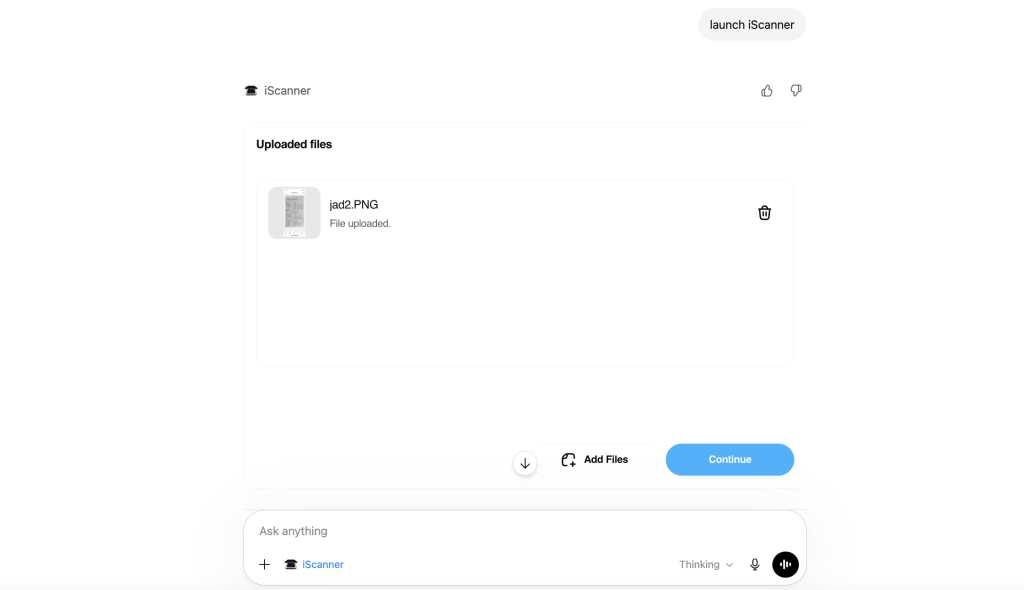
Second, upload your file to the iScanner app. It’ll automatically improve its quality, turning it into a professional-looking document in just a few seconds, with no extra buttons or steps required. The app will straighten the scan, fix distortions, remove shadows, erase fingers if they accidentally appear, and improve image contrast.
To do that:
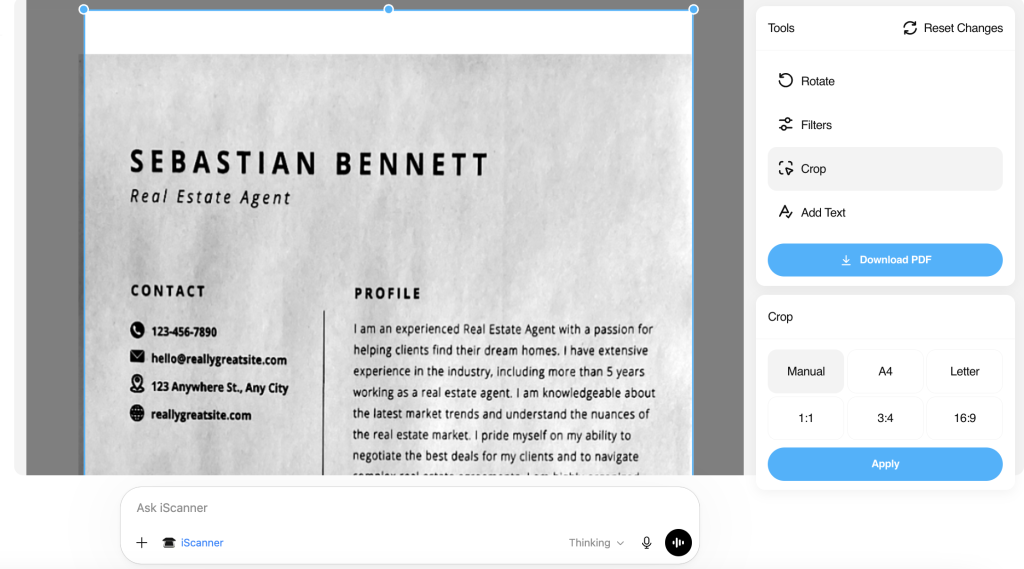
Once your file is ready, you can download it by clicking the Download PDF button.
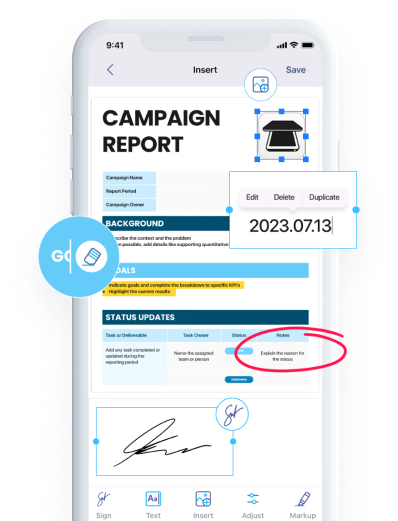
If you need to make manual adjustments, click Edit Manually to customize the file yourself. You can:
The e-signing feature is not yet available, but it’s coming soon.
Pro tip: If you prefer working with prompts, you can continue using them instead of the app interface. Any tools available in the app can also be launched with prompts.