



Click Select File or simply Drag & Drop
No signing-in or installation required


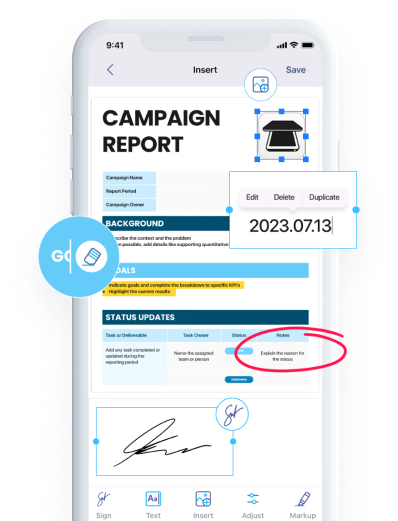
Download iScanner to manage PDFs with ease!

Convert HEIC to PNG in seconds with one click
No ads & no watermarks added to your documents

Use a secure HEIC to PNG converter that keeps your files protected. Your images are processed privately and safely

Convert HEIC files to PNG on desktop or mobile devices Enjoy a smooth experience wherever you are

Looking for a HEIC to PNG converter free of charge? No registration, subscriptions, or hidden fees
To avoid the need to convert HEIC to PNG, download iScanner on your iOS device instead. There, you can scan whatever you like and save it as an editable PNG file with just a few taps.
You can edit the downloaded PNG file in any image editor. Alternatively, you can first edit your HEIC file and then convert HEIC to PNG to receive the updated version of the file.
HEIC (High Efficiency Image Container) is an image format that compresses photos more efficiently than JPEG while keeping high quality. It’s commonly used on Apple devices like iPhone.
PNG (Portable Network Graphics) is a lossless image format that preserves full image quality without compression loss. It supports transparency and is commonly used for web graphics, logos, and images that need a clear background.
You can open a HEIC file using: