



Upload files online to Convert PDF to Black and White.

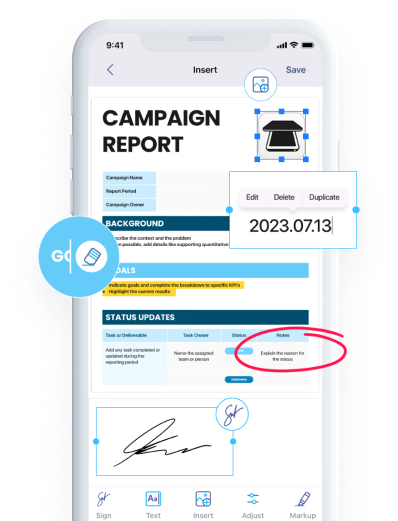
Download iScanner to manage PDFs with ease!

Convert PDF to black and white with a few clicks
No ads or watermarks added to your documents

A PDF conversion tool to Black and White compliant with the EU’s General Data Protection Regulation and the California Consumer Privacy Act

No computer on hand? Color files on mobile devices! No internet? Use iScanner offline via the mobile app

Convert PDF to Black and White online without creating an account or subscribing to a paid plan
Sign up to iScanner to keep your files organized. It’s easy to keep colored files inside the app. Plus, you can convert, merge, and share your PDFs.
You can edit the colored files in any file editor or in iScanner.
You should convert a PDF to black and white to remove visual noise and improve contrast. This makes scanned documents clearer, more readable, and often reduces file size as well.
No. The quality of your PDF will not be affected. The content remains clear and readable after processing.