

11 aug 2026
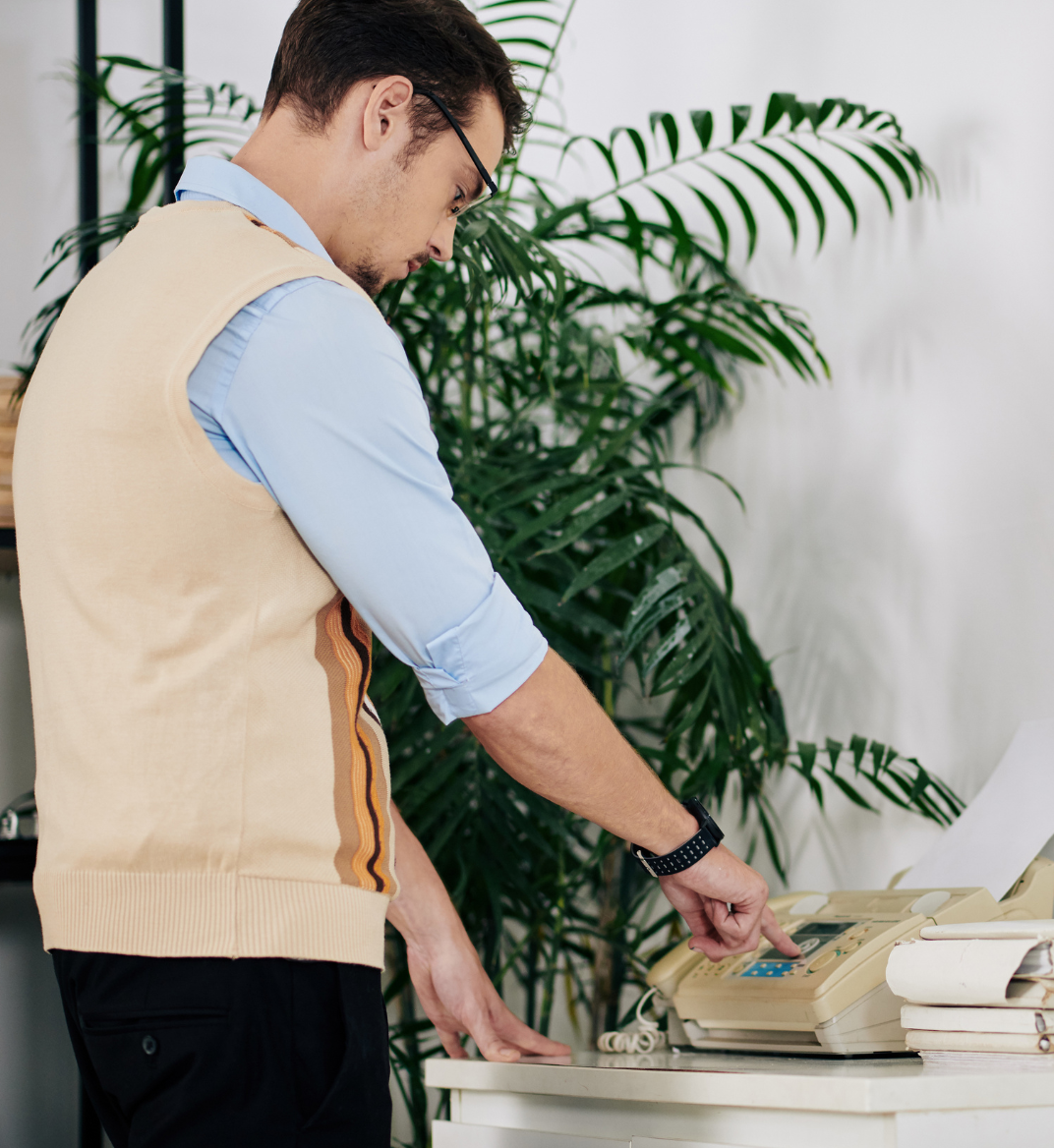
While faxing may seem outdated, it remains a standard way to exchange documents in industries like healthcare, legal services, insurance, and real estate. In healthcare alone, industry surveys suggest that around 70% of communications are sent by fax, rising to about 90% when EHR-integrated faxing is included.
Fortunately, you no longer need a fax machine or dedicated phone line to send a fax. In this guide, you’ll learn how to fax without a fax machine using three simple methods, including sending a fax from your phone with iScanner.
If you’re looking for the easiest way to send a fax from your phone, a mobile scanning app with built-in faxing is the answer.
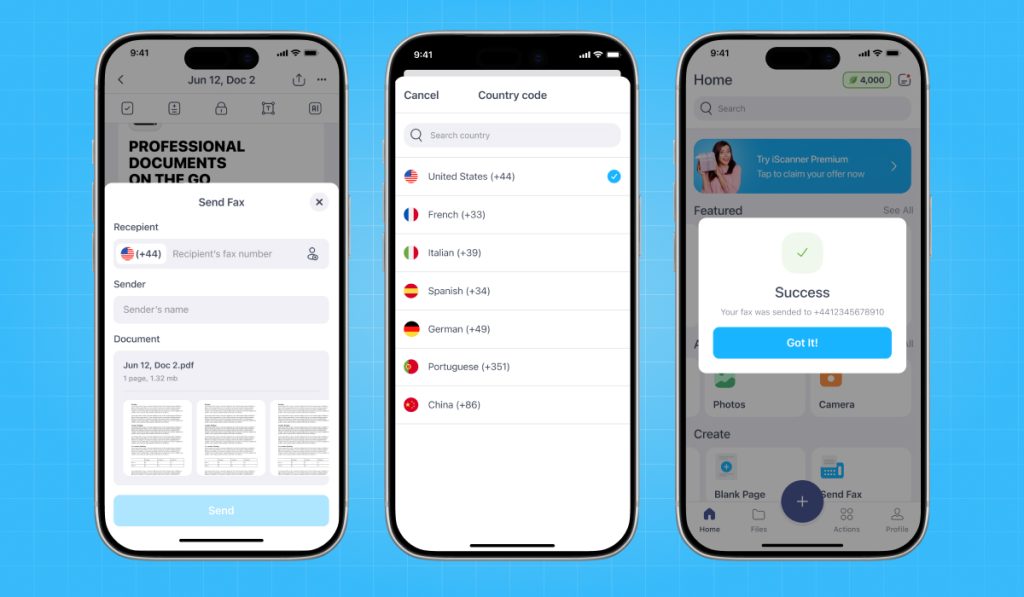
With iScanner, you can scan paper documents, improve image quality, save them as PDFs, and fax them without switching between multiple apps or searching for a local fax service.
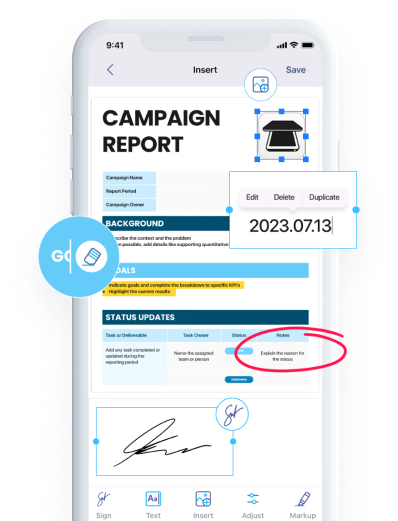
Whether you’re sending a signed lease, submitting insurance paperwork, faxing medical forms, or sharing a contract with a client, iScanner keeps the entire process on your phone. You can:
Instead of juggling separate apps for scanning, editing, signing, and faxing, you can complete the whole workflow in just a few minutes.
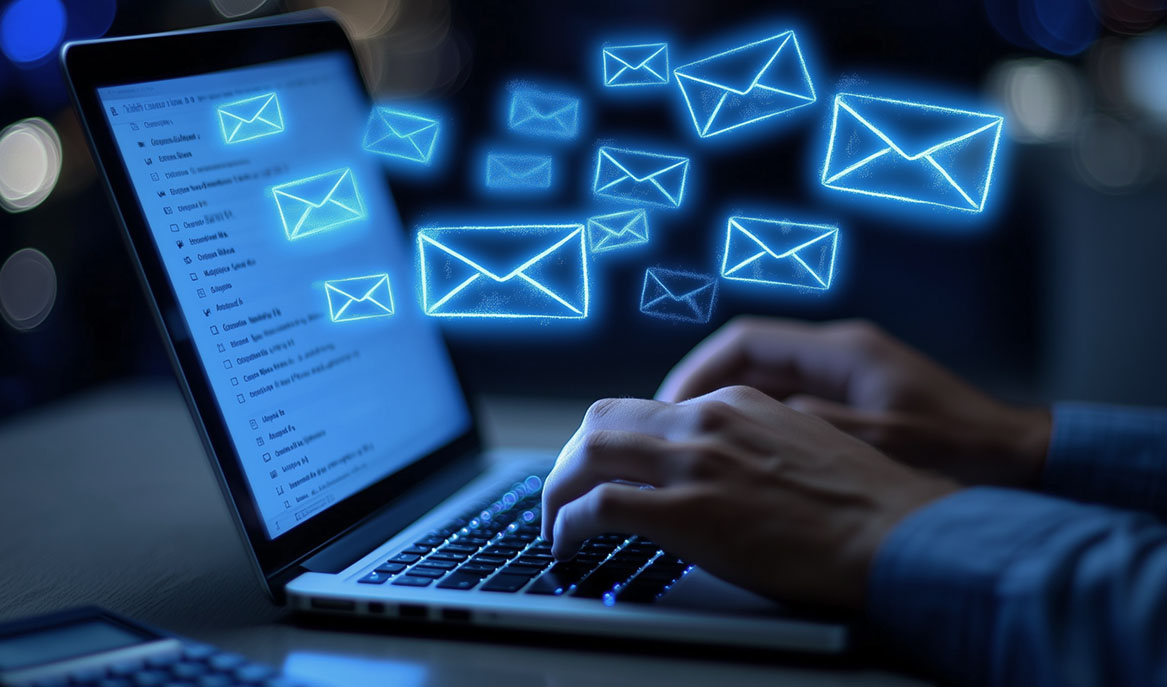
If the document is already saved on your computer, an email-to-fax service lets you send it straight from your inbox. You send an email as you normally would, but instead of entering an email address, you use the recipient’s fax number in the format provided by your fax service.
Email-to-fax works well when your documents are already digital. For example, if you’ve received a signed contract, an invoice, or a completed form by email, you can forward it as a fax without printing or scanning it first.
Other advantages include:
The fax service receives your attachment, converts it into a fax, and delivers it to the recipient.
Most email-to-fax services require a subscription, although many offer a free trial if you only need to send a few documents.
If the document starts out on paper, you’ll need to scan it before attaching it to your email. In that case, using a scanning app with built-in faxing can save you a few extra steps by keeping everything in one place.
Dropbox Fax is one option if you only need to send a fax occasionally. Paid subscribers can send documents directly from their email, while pay-as-you-go faxing starts at $0.99 for up to 10 pages after the free pages are used. You can also connect Dropbox Fax to Google Drive, making it easier to send files you already have stored there.
If you’re working on a computer, web-based fax portals are often the most convenient option, as they let you upload and fax documents directly from your browser..
The service converts your file into a fax and delivers it electronically to the recipient.
This method is a good fit when you’re already working from a desktop or laptop and your documents are saved locally. You can upload files directly without transferring them to your phone first.
Other benefits include:
Several providers offer browser-based faxing. Fax.Plus and mFax are popular choices if you send faxes regularly. If you only need to send a document occasionally, FaxZero lets you fax a limited number of pages for free, making it a convenient option for occasional use.
The best option depends on where your documents are and how you prefer to work.
Choose iScanner if you:
Choose email-to-fax if you:
Choose a web-based fax portal if you:
Each method lets you fax without a fax machine, so the right choice comes down to your workflow.
You can use a mobile fax app, an email-to-fax provider, or a web-based fax service. All three methods allow you to fax without a fax machine or dedicated phone line.
Apps like iScanner allow you to scan documents using your smartphone, convert them into a PDF, and send them directly to a recipient’s fax number.
No. Online fax services use an internet connection instead of a traditional phone line.
Yes. Most digital fax services support PDF files, making them one of the most common formats for online faxing.