

07 may 2026
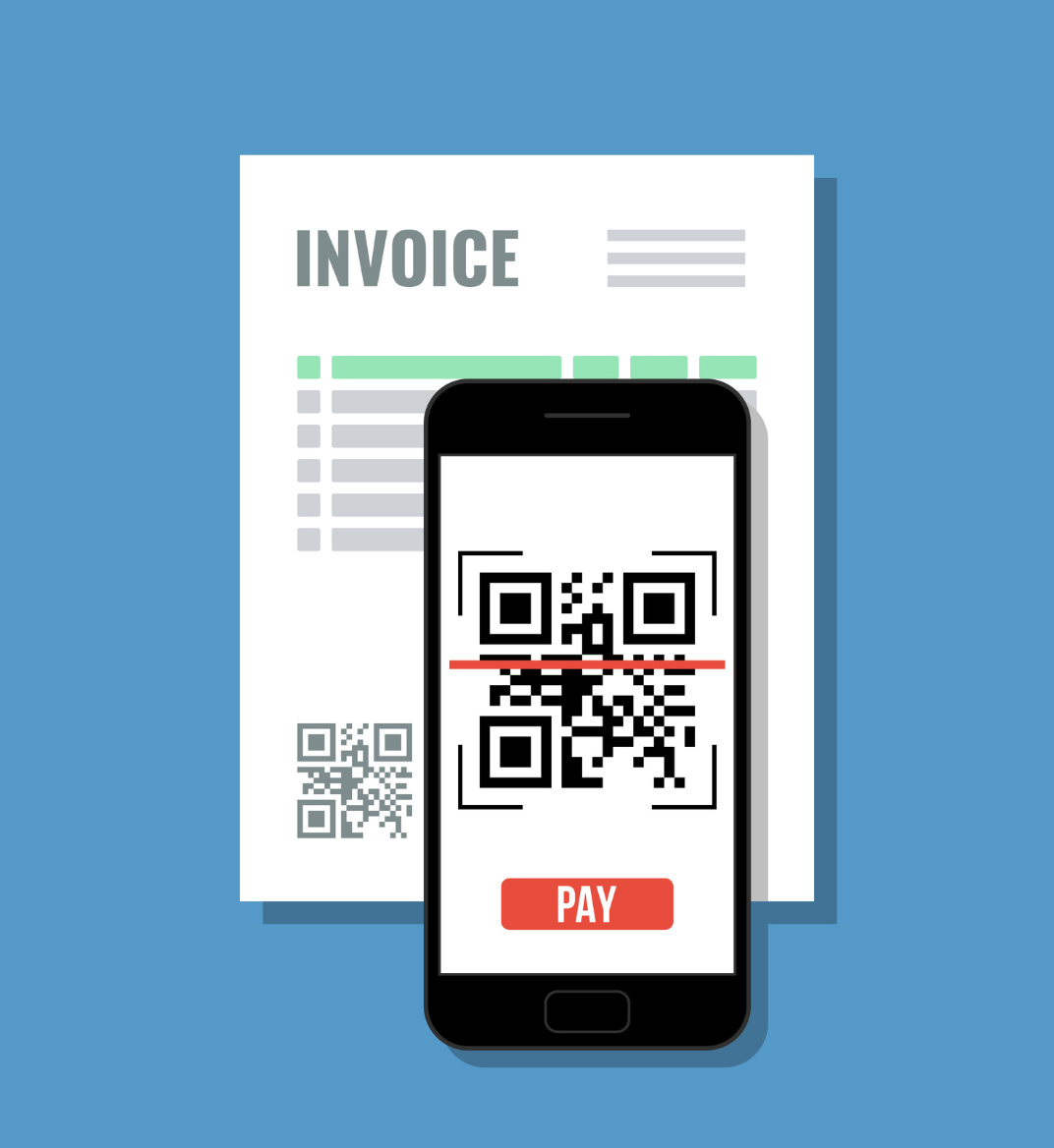
Invoice scanning helps you organize financial documents, avoid manual errors, and keep your workflow running smoothly. It can be done using a mobile app, desktop software, or a web-based tool.
In practice, you scan invoices using your phone or you upload a file, and the tool converts them into high-quality PDFs ready for further processing. Tools like iScanner include features that improve image clarity, fix edges, and remove shadows, so your documents are easier to read and work with.
Here’s what you’ll learn in this guide:
By the end, you will have a clear understanding of how to build a more efficient, paperless invoice workflow.
An invoice scanner is a tool that turns paper or digital invoices into clean, usable files. It can be a mobile app, desktop software, or a web-based solution.
With an invoice scanner, you can:
Apps like iScanner make this process simpler by automatically enhancing your scans, so your documents look clean and easy to work with from the start.
If you regularly handle large volumes of paperwork, features like bulk scanning can help you process multiple invoices in one session instead of one by one.
Invoice scanning software goes beyond basic scanning. It combines document capture, OCR (Optical Character Recognition), and automation to turn invoices into structured data.
OCR invoice scanning allows the software to read text from scanned files and extract key details such as vendor names, invoice numbers, dates, and totals.
Modern tools also use AI to improve accuracy and handle more complex layouts. This makes the extracted data more reliable and easier to use in accounting or reporting.
With OCR and smart processing, invoices become searchable, editable, and ready to use. Tools like iScanner enhance scan quality before processing, which improves recognition accuracy.
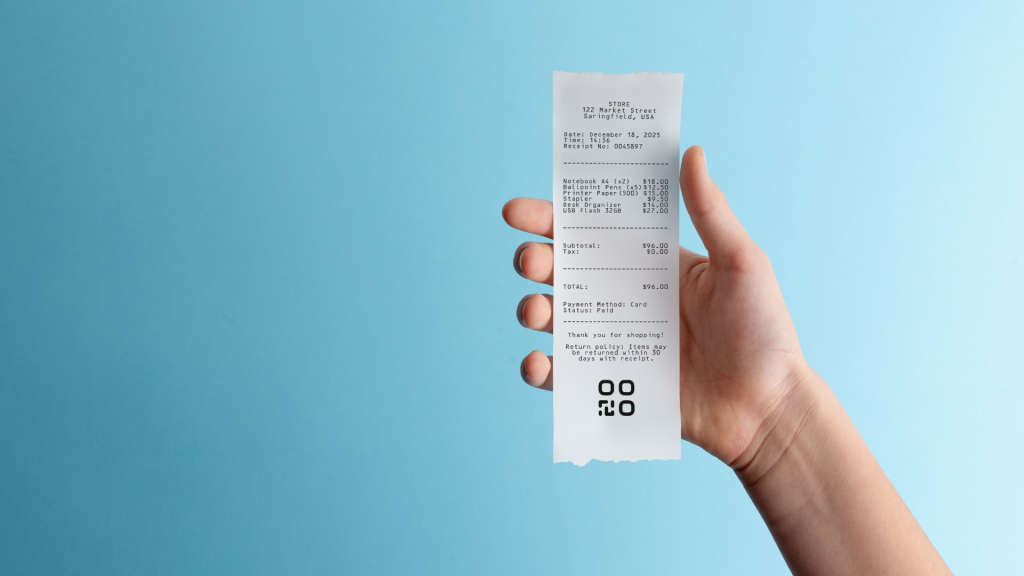
With invoice scanning, you can shift from raw documents to organized data in just a few steps. Instead of manual entry or scattered files, you get a structured and searchable workflow.
OCR and automation make the process faster, more accurate, and easier to manage as your workload grows.
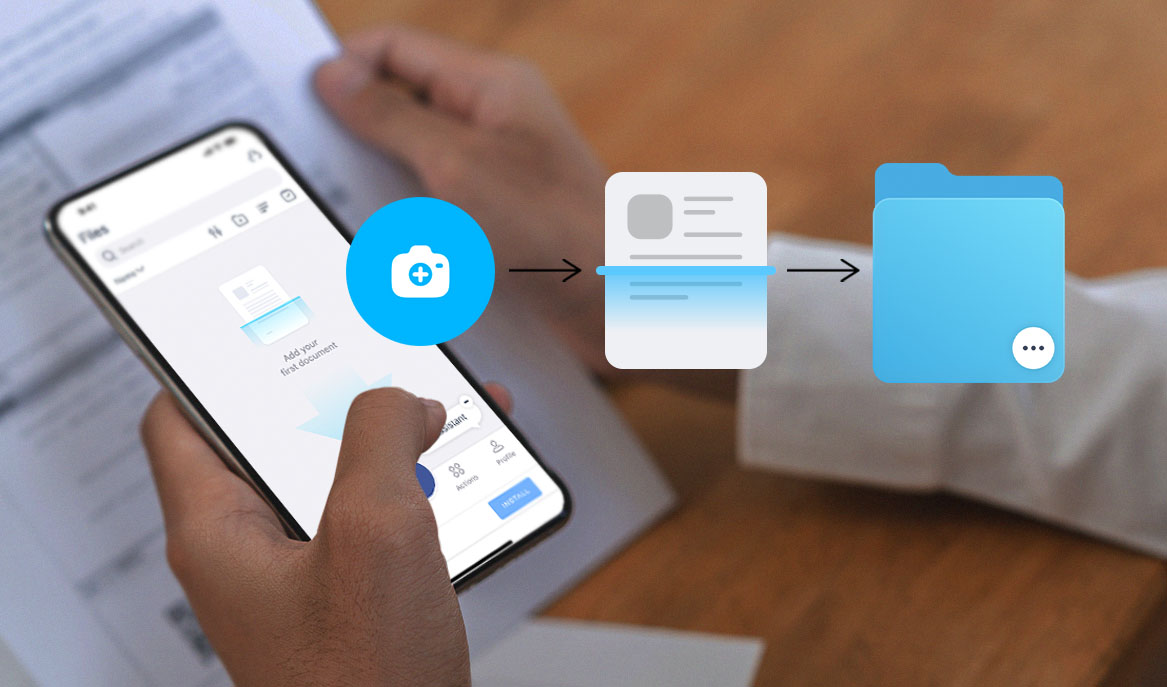
Start by capturing the invoice using a scanning app like iScanner or by uploading a file.
The system detects the document, adjusts the perspective, and creates a clean digital version. Many tools also support batch processing for faster input.
Once scanned, the system uses OCR invoice scanning to extract key information.
This includes important fields like totals, dates, and vendor details. Automated extraction reduces manual input and improves consistency.
After extraction, the invoice moves into a structured workflow.
You can:
This step often connects with accounting software or approval workflows.
If you run a business, you can digitize invoices and keep your expenses organized without paper clutter. It’s part of a broader shift toward digital workflows, where the benefits of going paperless go beyond organization to reducing costs and improving efficiency.
Efficiency
Automated invoice scanning reduces manual work and speeds up everyday tasks.
Accuracy
OCR and AI improve data consistency and help avoid common errors.
Cost savings
Less manual work and reduced paper storage lower operational costs.
Better organization
Invoices become searchable files that are easy to find and manage.
Scalability
An invoice automation system helps you handle growing volumes without added complexity.
When choosing the best invoice scanning software, focus on tools that support both scanning and data processing.
Look for:
It also helps to understand the difference between scanning and capture. Scanning creates a digital file, while capture extracts and structures the data. Most modern tools combine both.
A mobile invoice scanning app lets you manage invoices wherever you are.
You can:
Tools like iScanner are designed for flexibility. You can scan, enhance, and organize documents in just a few taps.
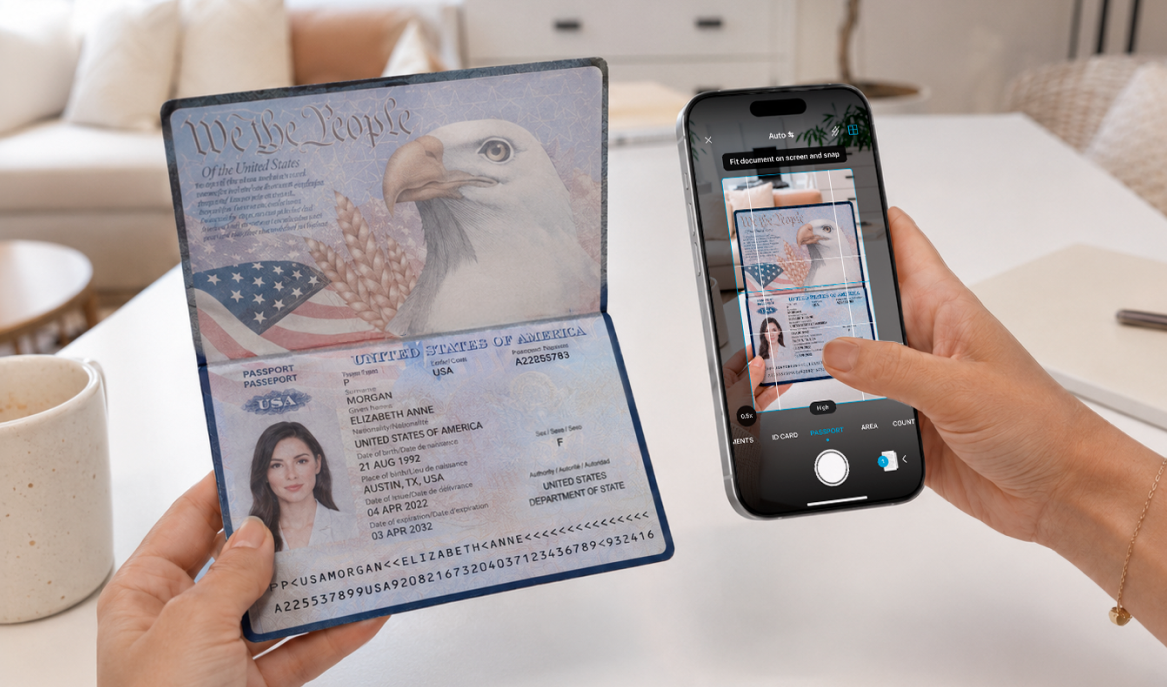
The same approach works beyond invoices. You can organize family documents such as IDs or medical records to keep everything accessible in one place.
This supports fast invoice digitization and keeps your workflow simple, whether you are working remotely or on the move.
Invoice scanning plays an important role in modern document management. With OCR and automation, you can process invoices faster and with fewer errors.
From simple scanning to full workflows, the right tools help you stay organized, reduce manual work, and keep everything running efficiently.
Yes, an e-invoice can be scanned or processed. Even though e-invoices are already digital, you can upload them into invoice scanning software to organize, store, and extract data. OCR can still be used if the file is not fully structured or searchable.
The best e-invoice scanner depends on your needs, but a good solution should include OCR, automation, and cloud storage. Tools like iScanner offer a strong balance of mobile scanning, document enhancement, and OCR invoice scanning, making them suitable for both personal and business use.
OCR invoice scanning uses Optical Character Recognition to read text from scanned invoices and convert it into usable data. This allows you to automatically extract details like invoice numbers, totals, and dates without manual input.