



Click Select File or simply Drag & Drop
No signing-in or installation required

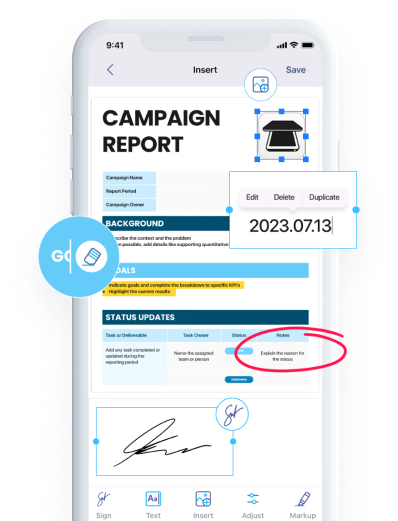
Download iScanner to manage PDFs with ease!

Convert Word to JPG in seconds with one click
No ads & no watermarks added to your documents

Simple Word to JPG conversion that keeps your documents secure and private

Easily turn Word documents into JPG on both desktop and mobile for smooth and hassle-free conversion

Looking for a Word to JPG converter free of charge? No registration, subscriptions, or hidden fees
After using our Word to JPG converter, you can download the file and share it however you want. You can also install iScanner on your iOS or Android device and use the Share option directly from the app.
You can convert JPG to DOC if you wish. You can do so by navigating to the dedicated page of iScanner’s JPG to DOC web converter.
You can edit the downloaded JPG file in any image editor. Alternatively, you can first edit the appropriate data in your DOC file and then convert this DOC to JPG to receive the updated version of the file.
JPG is best for photos and keeps file sizes smaller, while PNG preserves higher quality for text, screenshots, and graphics and supports transparent backgrounds. For Word documents, use JPG for photos and PNG for sharper text and images.
Yes, you can—just upload the file to this website and convert your Word to image! With our platform, you’ll get the file in JPG in a couple of seconds. After that, click the Download button, and the converted file will be saved to your device or the cloud storage you’ve chosen. Alternatively, there’s a second option—you can log in to iScanner’s My Files and upload your file to this section. The converted file will be stored in the iScanner Cloud Storage.
iScanner can be used to convert Word to JPG free. But if you don’t want to use your web browser, download our app for iOS or Android. It has a number of helpful features, and Word to JPG converter is one of them. Just upload the file you need to the app, and iScanner will quickly convert your files!