



Click Select File or simply Drag & Drop
No signing-in or installation required


Try out our all-in-one PDF editor and converter!

Convert PDF to Word in seconds with one click
No ads & no watermarks added to your documents

Transform PDF into Word documents seamlessly while ensuring your files remain safe and private

Experience smooth and convenient PDF to Word conversion across desktop and mobile devices

Looking for a PDF to Word converter free of charge? No registration, subscriptions, or hidden fees
After using our PDF to Word converter, you can download the file and share it however you want. You can also install iScanner on your iOS or Android device and use the Share option directly from the app.
Since iScanner supports Word to PDF conversion, you can absolutely use it. Simply navigate to the dedicated page of the Word to PDF web converter and run your DOC file through it.
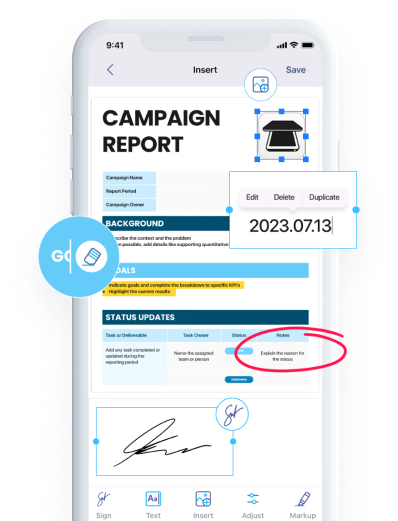
You can edit the downloaded DOC file in any text editor. Alternatively, you can edit your PDF in iScanner’s PDF editor (available in the app) and convert it to DOC.
Yes. iScanner can convert your PDF into a Word document with editable text, using OCR when needed for scanned or image-based PDFs.
You can make only one PDF to DOC conversion for free. If you want to access unlimited conversions, sign up to iScanner. The size of the original file should not exceed 200 MB.
It’s absolutely safe. Your files won’t be kept or transferred to third parties.
Yes, the text formatting in the DOC file will not be altered.