

26 jan 2026
These days, you can digitize practically any paper document with your smartphone in seconds, whether it’s a contract, an invoice, a tax return, or a technical manual. However, when it comes to ID scanning, it can become a bit tricky. These documents usually come with strict requirements for image quality, formatting, and accuracy. So, to get things done, you’ll need a bit of specialized software called an ID scanner. Here’s the list of the 4 best ID scanner apps for iOS and Android in 2026.
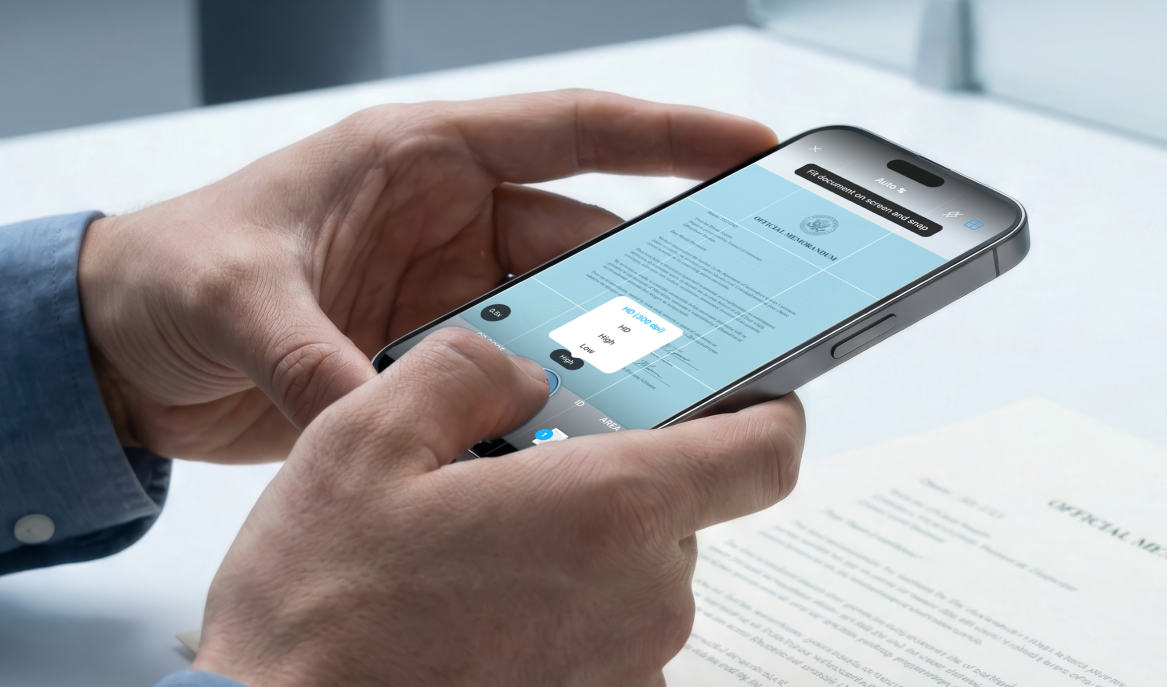
An ID scanner app is a dedicated tool to digitize ID cards for both personal and professional use. Instead of taking a picture on your phone, which often suffers from poor lighting, awkward angles, low quality, safety issues, or simply gets lost among hundreds of other images, ID scanner apps are created to fix these issues automatically, with maximum convenience for the user.
Apart from convenience, the best ID scanner apps include everything needed to meet the requirements platforms usually have for ID submissions. As a rule, it comes down to three things:

Folio Wallet is a secure ID scanner app built to scan and store identification documents, driver’s licenses, residence permits, passports, payment cards, and other types of files in one encrypted place.
Users can scan physical IDs or upload existing scans. The app automatically recognizes text, dates, and key details, then organizes everything into different categories such as Identity, Travel, and Health.
Folio Wallet is available for both iOS and Android devices and is free to download, with optional premium features available.
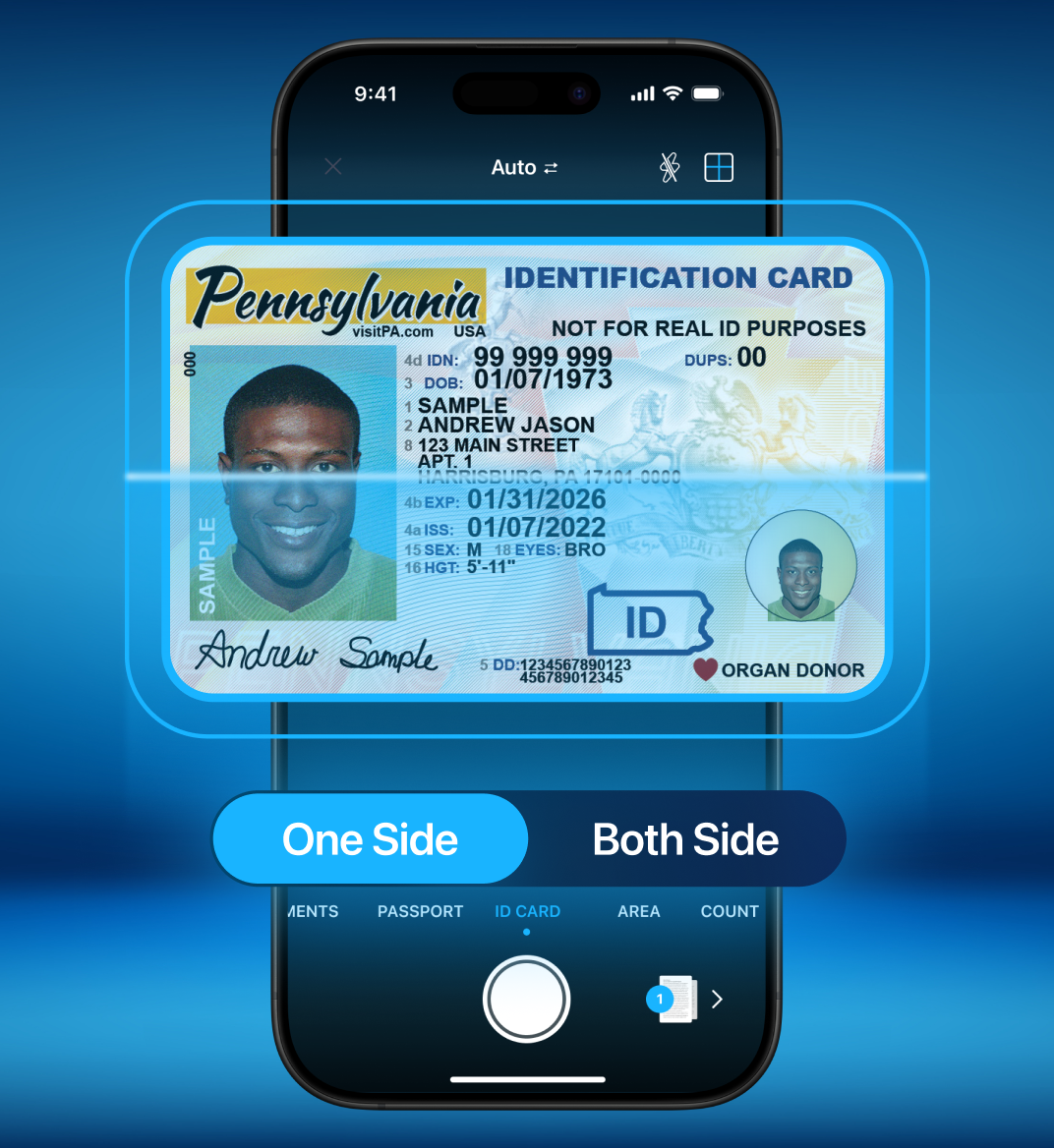
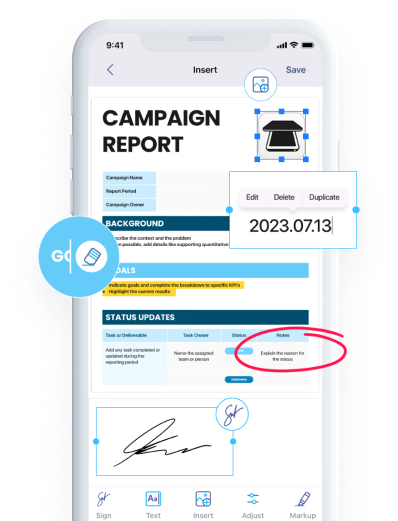
iScanner is a blend of a mobile scanner and a PDF editor, which makes it arguably the most convenient option. This combination, as compared to other ID scanner apps like Folio, allows you to not only scan and store documents, but also to adjust and work with them however you need.
Using the app, you can:
As for security, all your files can be safely stored either within the app or in the cloud. If you choose cloud storage, your documents will be hosted on Amazon Web Services (AWS), which is trusted by many Fortune 500 companies. For added protection, you can use the Safe Folder feature, which locks selected files with a PIN.
iScanner also allows you to share your ID card securely via a PIN-protected link with an expiration date.
That’s it! Now your ID card is scanned, stored, and ready to be shared.
Most of the core scanning features are included in the free version of the app. iScanner also offers two subscription plans: $9.99 per month with a 3-day trial, or $19.99 per year. The app is available on both the App Store and Google Play.
Adobe Scan is one of the most widely used scanning tools. It also offers several modes for scanning, like ID cards, books, documents, business cards, and more.
Adobe Scan can automatically detect document edges, clean up lighting and shadows, and produce high-quality scans. It also includes OCR, so you can convert scanned documents into editable, searchable PDF files right inside the app.
The free version of Adobe Scan includes basic file management and editing tools. For users who need more advanced features, such as exporting to Word, compressing and combining PDFs, or protecting files with a password, there’s also a premium plan available. The cost is $9.99 per month or $69.99 per year.
The app works both on iOS and Android.
Microblink Identity uses BlinkID technology to quickly scan physical ID documents and automatically recognize their type, whether it’s a passport, ID card, visa, or driver’s license. It’s also packed with OCR to pull personal data from a document in case you need to edit it or access it on other systems.
Apart from scanning, the app can also verify identity documents. It can read barcodes and machine-readable zones and use facial verification to cross-check the information on the card.
You can download the app for free for iOS and Android. For commercial or high‑volume use, organizations will need to purchase a subscription. The cost depends on how many scans you need, starting at $210 for the basic plan and going up to $830.
Whichever ID scanner app you’re considering, look for one that supports: